Workspace setup
Invite your team, understand seats, and see what a free workspace includes.
A workspace is created automatically the first time you sign in — there's no setup step to complete before you can capture and file a report.
What the free plan includes
- 25 reports a month, no card required
- 5 seats
- Every integration — Jira, GitHub, Linear, ClickUp, Notion, Slack — none of them is a paid-tier feature
- Screenshots with annotation and blur, and screen recording (5 recordings a month, up to 60 seconds each)
- Shareable report links and copy-as-markdown
When a workspace hits its monthly report limit, new captures pause until the 1st of the next month. Nothing is deleted — every report already filed stays readable, and shared links keep working.
Roles
| Role | Can do | Uses a seat |
|---|---|---|
| Admin | Everything a Member can, plus manage members, integrations and workspace settings | Yes |
| Member | Capture, file, and triage reports | Yes |
| Viewer | Read reports and comment | No |
Viewers are free specifically so a workspace doesn't have to ration read access — a manager, a support lead, or a stakeholder who only ever needs to see a report never counts against the seat limit.
Inviting your team
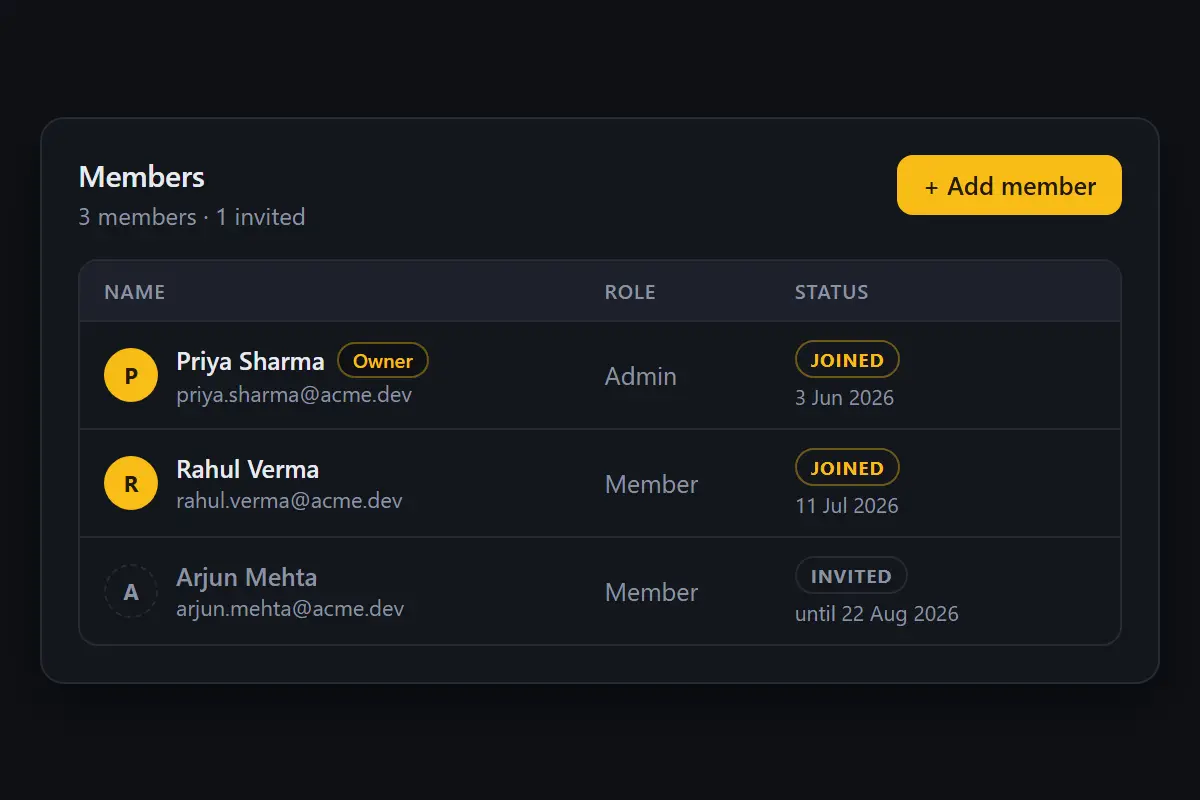
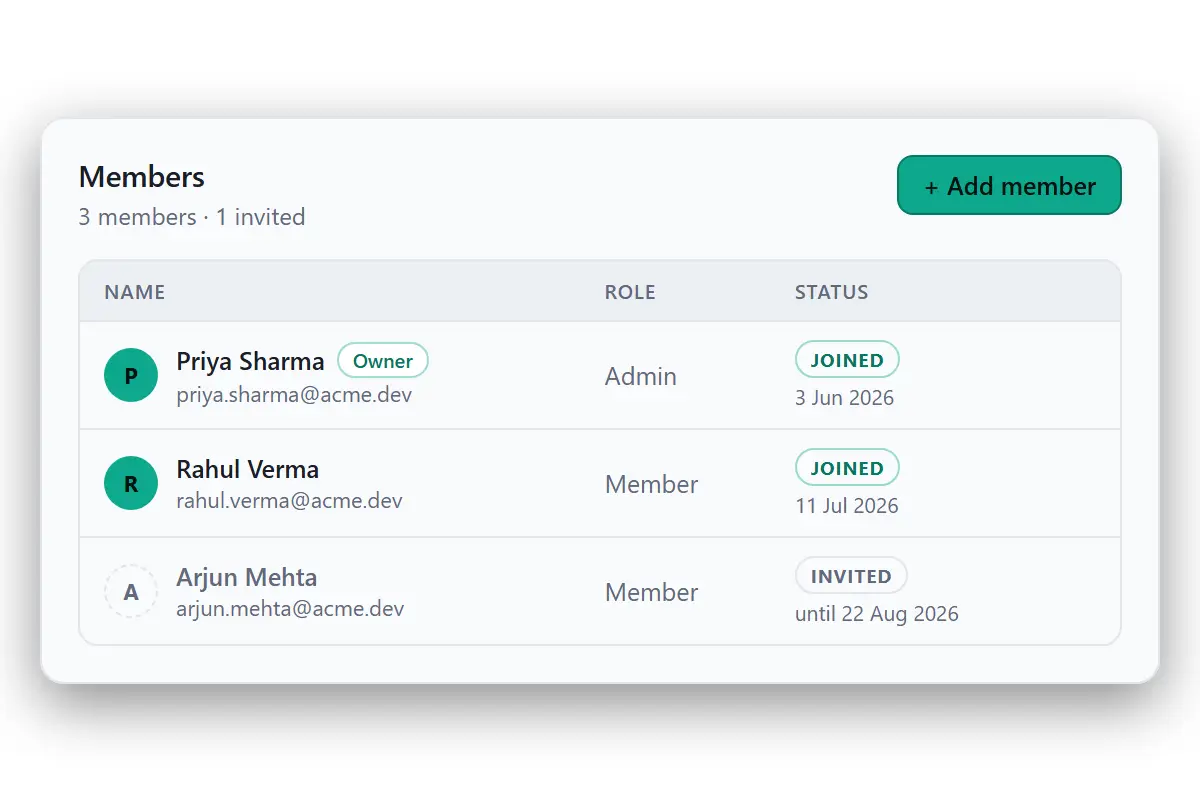
From Settings → People → Add member, enter an email and a role. BugCapture doesn't send the invitation email itself — it gives you a link to share however your team normally shares things (Slack, email, whatever). The link is reusable, so it works for onboarding a batch of people at once, and a new one can be minted at any time if the old one needs to be revoked.
If a workspace is out of seats, the invite dialog says so and offers the free alternative directly: invite them as a Viewer, or upgrade.
Upgrading
The Team plan raises the monthly limit to 500 reports and removes the seat cap, and adds AI agent access via the MCP server, longer recordings (100 minutes a month, up to 3 minutes each), and screenshots that don't expire while you're subscribed. Business removes the report limit entirely. See the pricing section for current rates.
Cancelling doesn't require any action — nothing auto-renews, no card is stored, and a payment buys one period. When it ends, the workspace returns to the free plan; every report you already filed stays exactly as it was.